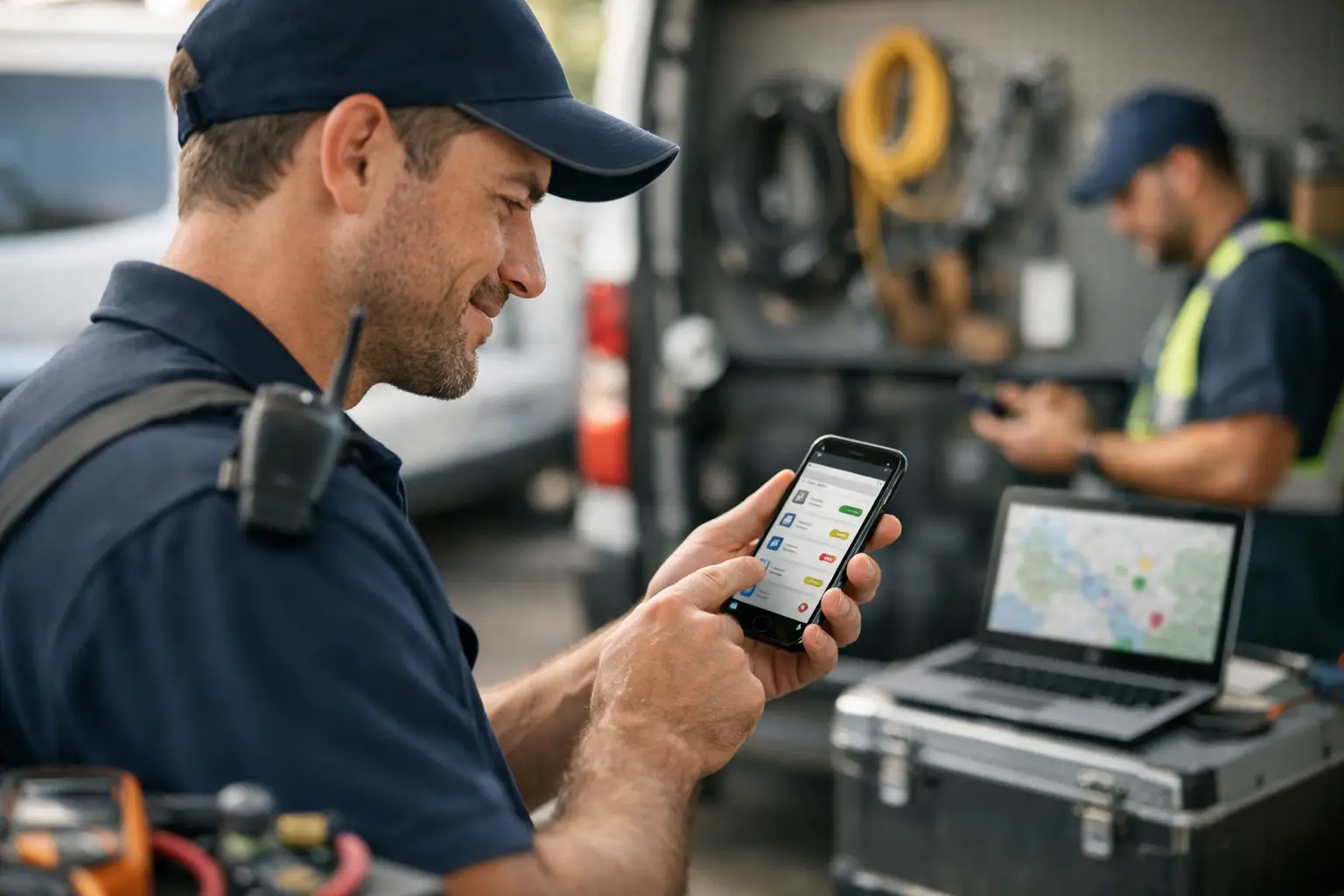
The office should not have to play detective at 10:40 a.m. Is Mike still at the water-heater call? Did he leave for the no-cool job? Is anyone already headed to Mrs. Carter's house?
That is the real point of technician status tracking. Not a prettier map. Not another dashboard someone has to babysit. You need a shared answer to one basic question: where is every job in the process right now?
For a small plumbing, HVAC, or repair shop, that answer changes the whole day. Dispatch can assign the next call with confidence. Customers get honest arrival updates. Techs stop getting interrupted with "where are you?" calls while they are trying to work. And the owner is not piecing together the schedule from a whiteboard, a group text, and three people's memory.
What technician status tracking should actually do
A useful status system follows the job, not the truck. GPS can tell you where a vehicle is parked. It cannot reliably tell you whether the technician is diagnosing, waiting on approval, wrapping up, or available for the next call.
For most 2-10 truck shops, a handful of clear job states does the work. Assigned means the technician owns the call. On the way means the customer can expect movement. Here means the technician has arrived. Done means dispatch can close the loop and decide what happens next.
Those updates need to reach the office fast enough to matter. If a status gets entered after lunch, it is history, not dispatch information.
The catch is adoption. A detailed workflow looks great in a software demo, then falls apart when a technician has to open an app, find the right job, tap through screens, and remember which status the office wants. The system only works when the field team will use it on a busy day, with dirty hands, a ringing phone, and another call waiting.
The best field workflow is usually the one techs know
Most small service teams already text. They text the office, the owner, other technicians, parts houses, and customers. Asking them to send a short status text is not a behavior change. Asking them to become enthusiastic mobile-software users may be.
A simple workflow can look like this:
- The office creates a job card with the customer, address, appointment window, problem notes, and any useful history.
- Dispatch assigns it to a technician and sends the job details by text.
- The technician replies with a plain status message such as "OTW," "HERE," or "DONE." The dispatch board updates the job for everyone in the office.
That is not flashy. Like it says on the tin, it is status tracking. But it addresses the actual bottleneck: getting dependable field updates without making technicians do extra administrative work.
Take a typical cooling call. Dispatch assigns a 1:00 p.m. no-cool appointment to Luis. At 12:35, Luis texts "OTW." The office sees it immediately and can tell the homeowner he is on the way. At 12:58, Luis texts "HERE." If another urgent call comes in at 1:20, the dispatcher knows he is occupied, rather than guessing based on when he last answered the phone. When he texts "DONE," the board shows a finished job and dispatch can send his next call.
No login. No "download this." No phone call just to report that he arrived.
Statuses need rules, or they become noise
The value is not in collecting a dozen labels. It is in making each label mean the same thing to everyone.
Start with the statuses that change a dispatch decision. Assigned, OTW, HERE, and DONE are often enough. If your work regularly involves parts runs, approvals, or return visits, add a status only when it changes what the office should do next. For example, "WAITING PARTS" can be useful if it tells dispatch not to schedule that technician for another job until a decision is made.
Avoid vague options such as "busy," "working," or "in progress" unless your crew agrees on exactly what they mean. One technician may use "working" while driving. Another may use it after arriving. Then dispatch is back to guessing.
The same discipline applies to message formats. If the system expects OTW, do not make dispatch interpret "headed over," "leaving now," "en route," and a thumbs-up emoji. Technicians should not need to write a report. They should know the few accepted replies and send one in seconds.
There is a trade-off here. Fewer statuses are easier to use but provide less detail. More statuses can improve planning in a shop with complicated multi-day work, multiple crews, or strict job-costing requirements. For a small residential service operation, though, too much detail is often just a more expensive way to get fewer updates.
Make the office board the source of truth
Text messages are fast, but a group text is a lousy operating system. Important job details disappear under new replies. A new office person cannot see the whole day at a glance. Searching six months of customer history becomes a scavenger hunt.
The better setup keeps texting as the field workflow and gives the office a live board. Each job card should hold the information dispatch needs before sending someone out: customer name, address, contact details, job notes, appointment time, assigned technician, and current status. It should also keep a readable history of the updates and notes attached to that job.
This matters when the schedule changes. Say a technician completes a quick drain clearing ahead of schedule. The board shows DONE. Dispatch sees an open window and moves him to a nearby service call. Without that update, the office may hold the next customer waiting or send a second truck across town.
It also matters when someone calls back. If the customer says, "Your guy was here last Tuesday," the office should be able to find the job and see what happened without asking around. Status tracking is not just for the current shift. Done consistently, it creates operational history that survives staff turnover and busy seasons.
CopyThat is built around that split: techs just text, while the office works from a shared dispatch board. It intentionally does not try to be your invoicing package, CRM, marketing machine, or fleet tracker. For a small shop that needs dispatch coordination, that restraint is useful. For a larger operation that needs complex estimates, inventory, route optimization, or payroll connections, a broader system may be the better fit.
Set expectations before the first job goes out
A status process fails when it is introduced as optional office paperwork. Frame it as part of finishing the job correctly.
Tell technicians what each reply accomplishes for them. OTW means fewer customer "when will he be here?" calls forwarded to their phone. HERE tells the office not to interrupt them for an arrival check. DONE prevents them from getting assigned a job someone else already gave away. This is not surveillance. It is a way to stop the office from making bad decisions with incomplete information.
Keep the rollout small. Pick the core statuses, enter real jobs, and run the process for a week. Watch where updates get missed. Usually the problem is not that technicians are unwilling. The trigger is unclear. Some crews remember OTW but forget DONE because they are already talking to the customer, loading tools, and heading to the next call.
Fix the trigger, not the technician. Put the expected replies in the assignment message. Have dispatch ask for a status only when needed during the first few days. Then review the board at the end of the day: which jobs sat in the wrong status, and why?
Do not turn a missed reply into a courtroom. If a technician repeatedly skips statuses, address it directly. But if everyone skips the same step, the workflow is asking for more attention than the field can spare.
Measure fewer interruptions, not more clicks
The right result is not a perfect percentage of status updates. The right result is a calmer, more accurate dispatch day.
Look for practical changes. Are customers getting better arrival information? Are dispatchers making fewer "checking in" calls? Are technicians spending less time answering the same questions? Can the office see who is available before assigning the next call? Are duplicate dispatches and missed handoffs becoming rare?
Those gains have a dollar value, even if they do not show up as a line item. Ten minutes of confusion repeated across several people can cost more than a simple scheduling tool for the month. More importantly, it makes a small shop feel disorganized to customers and exhausting to employees.
Technician status tracking works when it respects how service work actually happens: fast, interrupted, and mostly away from a desk. Keep the statuses clear. Let techs update them in the quickest channel they already use. Give the office one place to see the truth. The next time the phone rings asking for an ETA, someone should be able to answer without starting a search party.