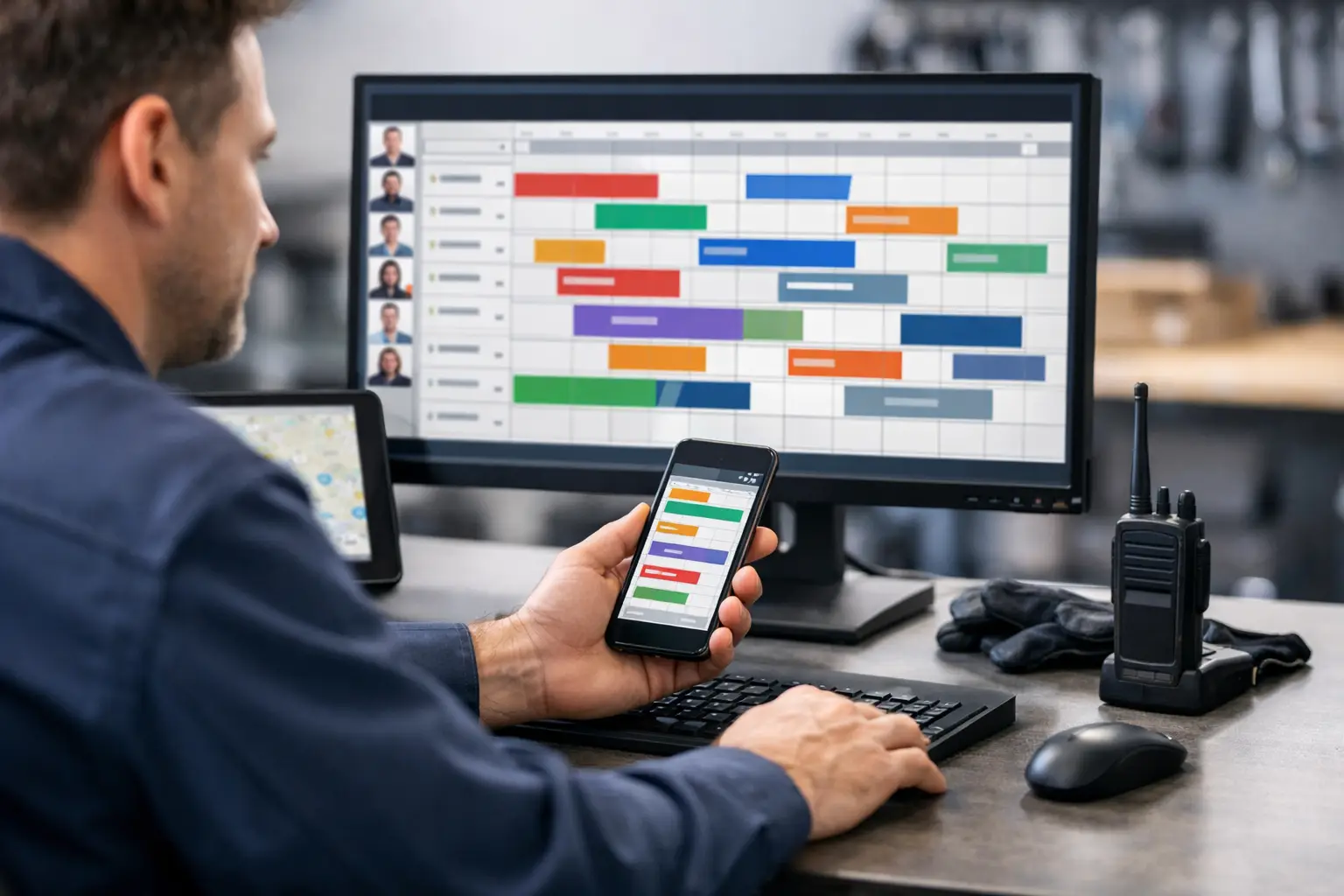
At 8:17 a.m., a customer calls back because the technician is not there yet. At 8:19, another tech finishes early. At 8:22, someone asks which truck has the condenser capacitor. If your answer lives across a whiteboard, a group text, and one dispatcher’s memory, the day gets messy fast. A dispatch board for technicians gives the office one live place to see the work, move it, and know what happened next.
For a two-to-ten-truck plumbing or HVAC shop, this does not need to mean buying a giant field-service platform. You do not need fleet maps, marketing campaigns, or a technician app with six tabs nobody opens. You need a clear job card, a current assignment, and status updates the office can trust.
That discipline is the product.
What a dispatch board for technicians should do
A useful dispatch board answers the questions that come up all day: What jobs are open? Who owns each one? Is the tech on the way, at the house, waiting on a part, or finished? What did the customer say last time? Can we move a call without accidentally sending two trucks?
The board should show those answers without a dispatcher digging through text threads. Each job needs the basics in one card: customer name, address, phone number, service issue, appointment window, notes, assigned technician, and current status. When the office changes the assignment, everyone looking at the board sees the same thing.
That sounds obvious. It is also where many small shops lose time. A whiteboard is visible but has no history. A group text is fast but buries details. A spreadsheet can hold information but does not tell anyone that Mike is already at the call or that Sarah just freed up 20 minutes away.
The point is not to make dispatch look fancy. The point is to stop making people ask questions that the system should already answer.
The field workflow should be familiar
The fastest dispatch process is usually the one technicians will actually follow. For most small service shops, that means text messages.
A practical workflow can be three steps. The office creates a job card and assigns it. The technician receives the job by text. When the job moves, the technician replies with a simple status such as “OTW,” “HERE,” or “DONE.” The board updates in the office.
No app. No login. No “download this before your first call.”
Here is what that looks like on a real service call. The office receives a no-cool call from the Johnson home. The dispatcher adds the address, callback number, and note: “Upstairs system. Customer says unit runs but vents are warm.” They assign it to Luis, who is finishing nearby. Luis gets the details by text and replies “OTW.” The office can now tell Mrs. Johnson he is headed over. When Luis replies “HERE,” the dispatcher knows the arrival happened. When he replies “DONE,” that call is cleared and the next one can move.
The office still has the job record, status trail, and notes. The technician did what technicians already do: texted.
There is a trade-off here. An app can make sense when technicians need photos, forms, estimates, price books, payment collection, inventory controls, or detailed compliance checklists in the field. If that is your operation, a text-first dispatch board may be too narrow. Honestly, you may have outgrown it, and that is fine.
But if the daily problem is keeping calls assigned and statuses current, asking every tech to learn a new app can create more friction than value.
Build the board around the day, not the software
A dispatch board should match how a dispatcher thinks at 7:30 a.m. Start with the jobs scheduled today. Show unassigned calls clearly. Group assigned calls by technician or truck. Make status obvious enough that a quick glance tells you where the pressure is building.
Avoid turning the board into a filing cabinet. A job card needs enough information to dispatch correctly, not every document the company has ever produced. Keep the customer history searchable for the moments it matters: repeat problems, gate codes, equipment notes, warranty details, or the reminder that the homeowner prefers a call before arrival.
The same rule applies to statuses. Too few, and “assigned” can mean anything from “maybe he saw it” to “he is in the driveway.” Too many, and nobody uses them consistently. For many shops, a short set works best: scheduled, on the way, here, complete, and perhaps waiting on a part or rescheduled.
Use language your team will say out loud. If your dispatchers say “at the house,” do not force them to use “arrival confirmed.” Software vocabulary is not a process.
Keep reassignment visible
Reassignment is where informal systems fall apart. A water-heater call runs long. A drain emergency comes in. The office tells another tech by phone to take the new call, but the original assignment stays on the whiteboard. Later, someone sees the open job and sends a second truck.
A live board prevents that only when reassignment happens on the board first. Move the job, send the new technician the details, and let the previous technician’s status remain part of the history. The office should not have to reconstruct the day from memory at 4:45 p.m.
Let customer communication follow the status
Status updates are not just for internal neatness. They change what the customer hears.
When a technician marks “OTW,” the office can confirm the window and reduce the classic “Are they still coming?” call. When the job is marked complete, the office knows not to promise that technician to another customer. When a part is needed, the note belongs on the card, not in a text someone may never find again.
This is one reason a board beats a loose group thread. The customer record stays connected to the job, even after the day is over.
What not to buy for a small shop
A lot of field-service software is built to sell every operational module under one roof. That can be right for a larger contractor with multiple departments, dedicated operations staff, and workflows that truly need those tools.
For a small shop, it can also mean paying for features you do not use while spending weeks setting them up. Invoicing, estimates, GPS tracking, marketing automation, route optimization, payroll integrations, and inventory systems all have a place. They are not automatically dispatch tools.
Before you buy anything, ask a blunt question: what breaks between the office assigning the call and the technician finishing it? If the answer is “we lose track of status and details,” solve that problem first.
A lightweight option such as CopyThat is designed around that exact gap: an office-facing live board, job cards, searchable history, and technician updates by SMS. Like it says on the tin. It is intentionally not an all-in-one business system.
That limitation matters. Software that stays focused is easier to implement, easier to train, and less likely to become another half-used subscription.
Set the rules before the first busy Monday
A board will not fix a dispatch process that has no rules. The rules do not need to be complicated, but they need to be clear.
First, every job gets a card before it gets assigned. Second, the office changes assignments on the board, even when the technician also gets a call. Third, technicians use the agreed status replies every time. Fourth, job notes go on the job card, not only in personal texts.
That is enough to create a shared operating picture.
Give the team a short trial during a normal week, not the first day of a heat wave or hard freeze. Have one person in the office own the board at first. Watch where updates get missed. Maybe “DONE” is easy, but “OTW” gets skipped. Maybe technicians need the customer phone number included in the assignment text. Adjust the workflow around real behavior, not a perfect process diagram.
The goal is not technician surveillance. It is fewer calls asking where everyone is, fewer duplicate dispatches, and fewer details falling through the cracks.
A good dispatch board earns its keep in small moments: the early finish that becomes one more completed call, the address that does not get retyped, the customer who gets a straight answer, and the dispatcher who can take a breath before the next phone rings.