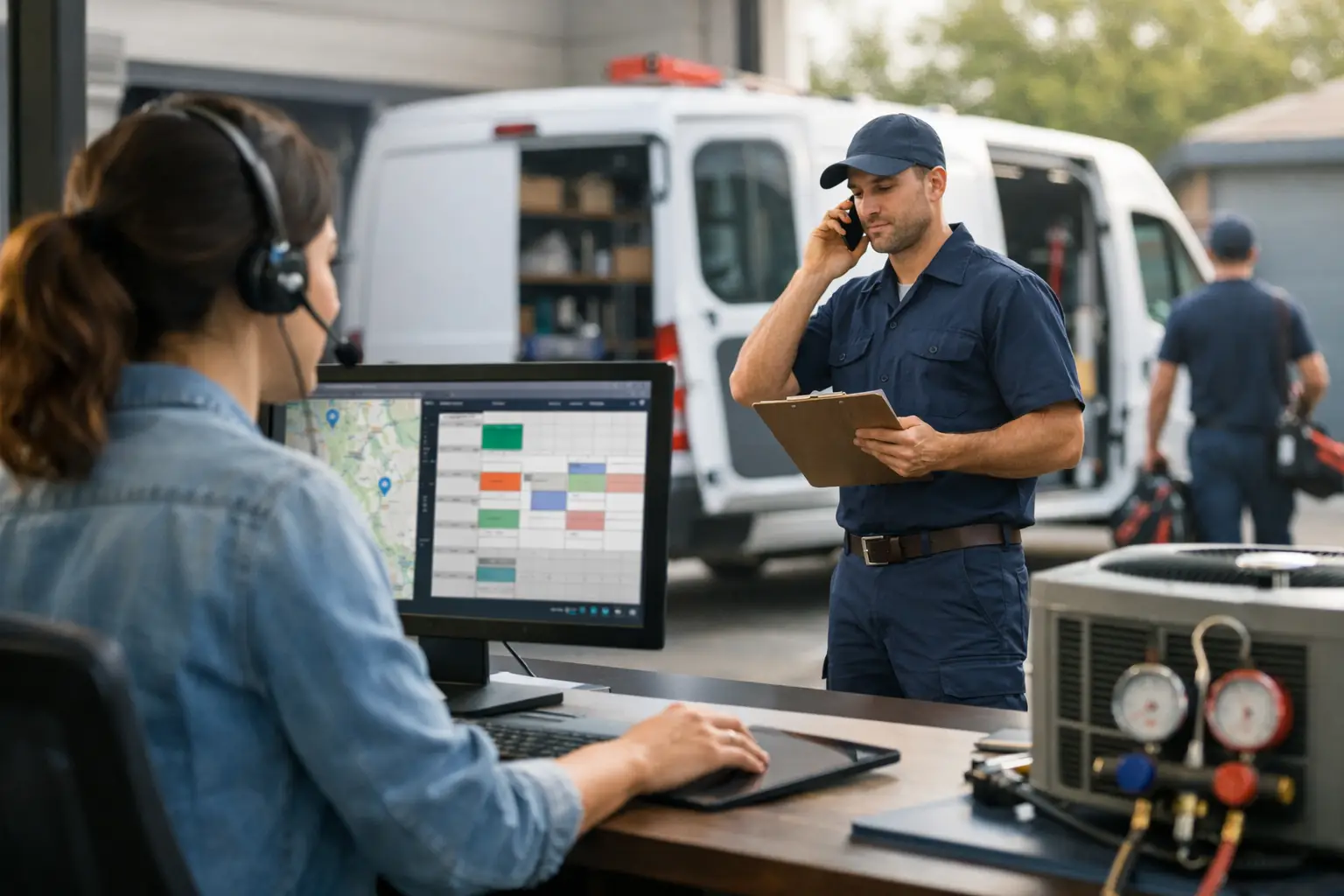
A no-cool call at 8:15 a.m. turns into three more by 9:00. One tech is finishing a maintenance visit, another is across town waiting on a part, and the office is trying to remember who promised the afternoon install window. That is HVAC dispatch in a small shop: not a theory problem. A moving-target problem.
When dispatch lives in phone calls, group texts, a whiteboard, and one person's memory, the day gets expensive fast. Techs make unnecessary drives. Two people head toward the same job. Customer details disappear above a dozen text replies. Nobody is careless. The system just has no single source of truth.
For a 2-10 truck HVAC shop, better dispatch does not require a giant field-service platform. It requires a disciplined workflow that tells the office what is happening, tells each tech what to do next, and keeps job history where people can find it.
What HVAC Dispatch Is Actually Supposed to Do
HVAC dispatch is the work of turning incoming calls into completed jobs without wasting technician time or leaving customers guessing. Scheduling is part of it, but dispatch is the live part. It is what happens when a compressor failure bumps a tune-up, a tech runs long, or a customer calls back because the unit is still not cooling.
A useful dispatch process answers four questions at any moment: What jobs are open? Who owns each one? What is the job status? What should happen next?
If your office cannot answer those questions without calling three people, your process is too loose. If your technicians need to fight through another complicated mobile app to answer them, your process may be too heavy. Small shops need the middle ground: clear job cards in the office and simple status updates from the field.
That distinction matters. A dispatch tool is not automatically better because it also offers invoices, marketing campaigns, GPS maps, price books, inventory, and 40 reports. Those features can make sense for a larger operation with dedicated administrative staff. But they can also turn a basic scheduling problem into a six-month software project.
Build the Dispatch Board Around the Job, Not the Noise
Every call should become one job card. Not a sticky note. Not a line in a group text. Not an open browser tab someone plans to deal with later.
The job card needs enough information for a tech to act without calling the office for basics: customer name, service address, callback number, equipment issue, appointment window, assigned technician, and notes from prior visits. For HVAC work, include useful details such as system type, age if known, warranty information, access instructions, and whether the homeowner has pets or a gate code.
Keep the description practical. “No cooling, upstairs unit, thermostat reads 78, customer says outdoor unit is running” gives a technician a starting point. “Mrs. Davis called again” does not.
The office should also be able to see the whole day in one place. A live board makes gaps visible. It shows that Mike is still on a diagnostic visit, that Elena is on the way to a maintenance call, and that the 2:00 p.m. replacement estimate is unassigned. That visibility prevents the classic 1:30 scramble where everyone learns, too late, that the schedule was never real.
Use Status Updates That Take Seconds
The field workflow should be dead simple. Techs do not need another login, another battery-draining app, or another training session that ends with everyone going back to texting anyway.
Use a few clear status updates and make them consistent. For example, a technician texts “OTW” when leaving for the next call, “HERE” when arriving, and “DONE” when the job is complete. The office sees the update on the dispatch board and knows the job has moved without chasing anyone down.
That does not mean every HVAC job can be reduced to three words. A complicated diagnosis, a parts delay, or an unsafe equipment condition needs a call and proper notes. But status texts handle the routine movement of the day. They remove dozens of “Where are you now?” interruptions that break concentration for both dispatchers and technicians.
The key is that the text must update the shared record, not disappear into a private conversation. If the dispatcher is at lunch, another office person should still be able to see that a tech arrived at the customer’s home at 10:42 a.m. Good dispatch cannot depend on one person holding the entire day in their head.
Dispatch by Urgency, Skill, and Geography
The closest technician is not always the right technician. HVAC dispatch needs a quick decision based on urgency, skill fit, available time, and drive time.
A no-cool call for an elderly customer during a heat wave probably moves ahead of a routine maintenance visit. A technician who is excellent at residential diagnostics may not be the best choice for a rooftop package unit at a small commercial site. And sending your top installer across town for a 15-minute service call might create a bigger problem later.
Use geography as a tie-breaker, not the only rule. If two qualified techs are available, send the closer one. If one is already nearby but routinely runs long or lacks the required certification, the shorter drive may not save anything.
It also helps to protect parts of the day. Leave room for genuine emergencies instead of filling every truck minute with scheduled maintenance. A packed board looks efficient until the first compressor failure arrives. Then every late appointment becomes a customer-service problem.
Make Reschedules Visible Immediately
Reschedules are where informal systems fall apart. The customer asks for Thursday instead of Wednesday. The office tells the tech. The tech writes it down somewhere. Wednesday arrives, and the job is still on the board.
When a schedule changes, update the job card first. Then notify the affected technician. The board should reflect reality before the next phone call comes in.
The same rule applies to canceled calls, parts holds, callback visits, and jobs that turn into replacement opportunities. Do not delete useful history just because the original appointment changed. Keep the notes, the original complaint, and the prior visit details attached to the customer record. The technician returning next week should not start from zero.
This is especially valuable during seasonal rushes. When the phones are ringing nonstop, nobody has time to reconstruct what happened on a job two days ago. Searchable history turns “I think someone was there Monday” into an answer.
Measure the Friction You Can Actually Fix
Small shops do not need a wall of dashboards. They do need to notice patterns that cost money.
Look for repeated status-chasing calls from the office, jobs with missing notes, techs dispatched twice to the same issue, long gaps between jobs, and routine appointments that are constantly pushed late. These are dispatch problems before they become revenue problems.
Start with one operational standard: every active job has an owner and a current status. Then add another: every completed job gets a useful closing note before the day ends. You do not need to transform the shop overnight. You need fewer loose ends tomorrow than you had today.
CopyThat is built around that narrow job: an office-facing dispatch board where technicians simply text status updates. No app. No login. No pretending a small HVAC shop needs enterprise software to know who is on the way.
When a Bigger System Makes Sense
A lightweight dispatch process has limits, and pretending otherwise is how software companies waste your time. If your operation needs integrated estimates, invoicing, inventory control, complex membership billing, multi-branch reporting, or detailed GPS fleet management, you may need a broader platform.
That is fine. Honestly, you have outgrown a focused dispatch tool at that point.
But many small HVAC shops are not there. They need the office to stop managing the day through scattered texts and memory. They need technicians to respond without being asked to become software operators. And they need a system that can be set up this afternoon, not after a consultant maps every process in the building.
The best HVAC dispatch workflow is usually the one your crew will actually follow when the phones are blowing up. Make every job visible. Make ownership clear. Let techs text simple updates. Then let the office run the day from facts instead of guesswork.