A better Jobber alternative

Stop paying
Jobber's per-user fees.

A 5-tech shop on Jobber needs the Connect plan: $139 a month billed monthly, plus $29 for every user past the five included. CopyThat is $49 flat for the same five techs, month to month. No per-user charges. Ever.

Or start free — no card: 2 techs, 40 new jobs a month, techs work from a link. Paid plans add automatic texting.
Or watch the 2-minute walkthrough, including the side-by-side price comparison for a five-tech shop.
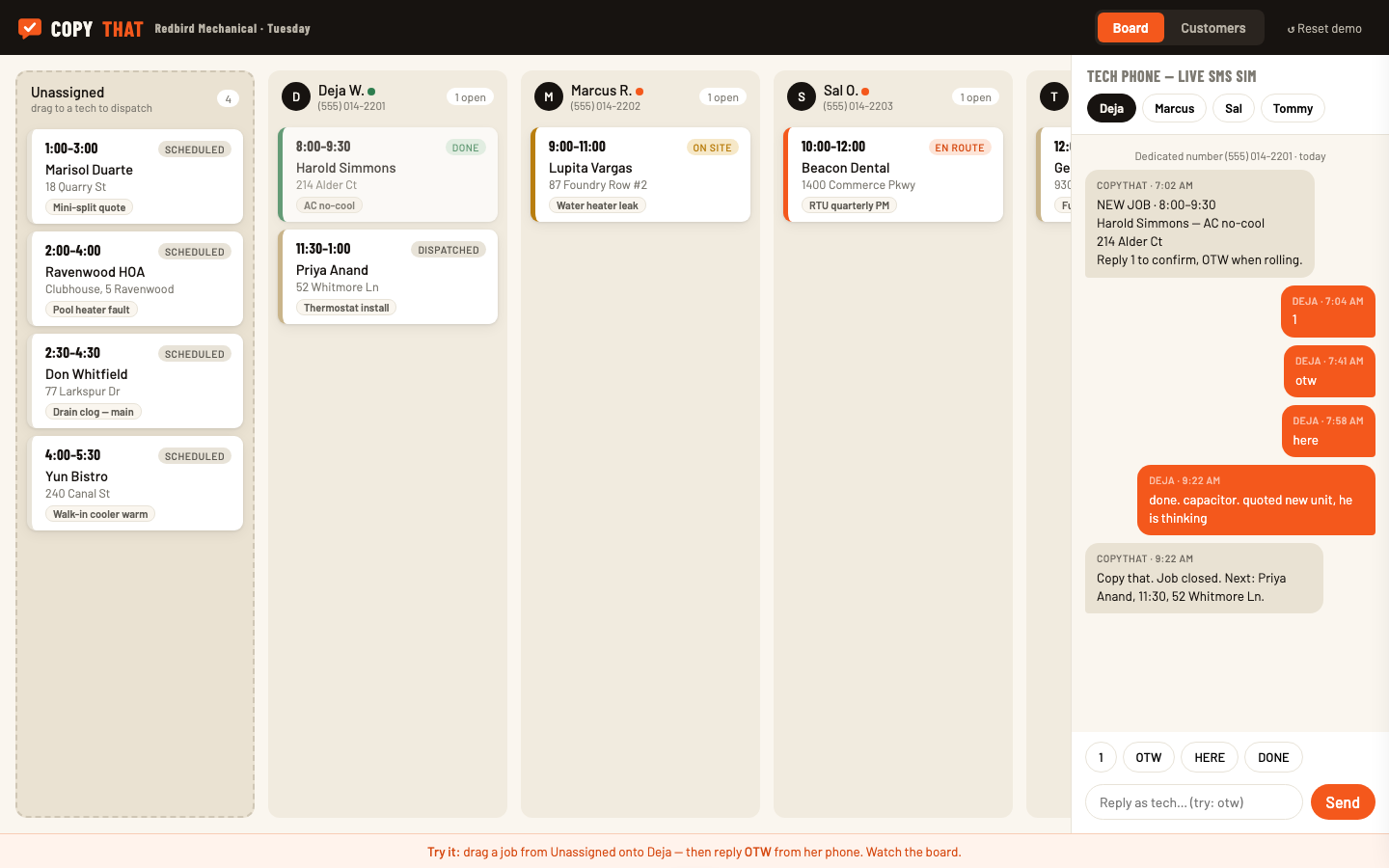
The CopyThat dispatch board: jobs in tech columns with statuses, and the live SMS thread beside the board

CopyThat vs Jobber: The real math

Prices checked on Jobber's public pricing page on August 12, 2026 (source linked below). A 5-tech shop is the comparison.

CopyThatJobber
5-tech shop, monthly$49 flat — Starter, up to 5 techsConnect, $139/mo billed monthly (the first plan that includes 5 users; $29/user after)
Free planYes — 2 techs, 40 new jobs a month, no card. Techs work from a link; they are not texted automatically14-day trial, self-serve
Pricing modelFlat tier by tech count, never per userBase plan + per-user fees
Tech's interfaceSMS — no app to installMobile app required
Setup timeOne afternoon14-day trial, self-serve
ContractMonth to monthMonthly or discounted annual
Best for2–10 truck shopsBroader feature set, larger teams

Jobber is a solid product for shops that need invoicing, marketing, and CRM in one tool. If you just need dispatch and scheduling — and you want to stop paying per seat — CopyThat is built for that. Prices checked on getjobber.com/pricing (fetched 2026-08-12; annual commitments are cheaper: Connect runs $96/mo on a 1-year term). Also comparing? See the Housecall Pro comparison and the ServiceTitan comparison. All trademarks belong to their owners.

Why shops switch from Jobber

You don't need
12 features. You need
dispatch that works.

Jobber does a lot. Invoicing, quotes, CRM, marketing — it's an all-in-one tool. But you're paying for all of it, even if you only use dispatch. CopyThat does one thing extremely well: getting jobs to your techs and tracking status. Nothing else.

  • Flat pricing — $49–$149/mo, never per user
  • No app required — techs text, that's it
  • Setup in an afternoon — not a 14-day onboarding
  • No feature bloat — dispatch and scheduling only
  • Month to month — cancel in the app, no call required
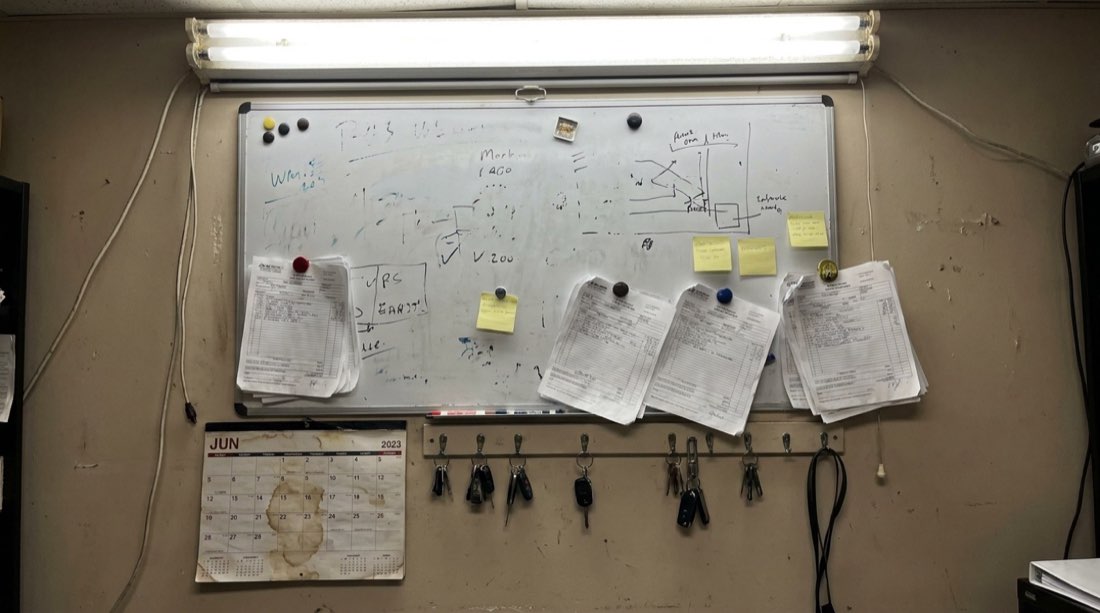
A real small-shop dispatch wall: chaotic whiteboard, taped work orders, keys on hooks
The system a lot of shops are actually switching from.
Switching from Jobber

Bring your client list.
Skip the retyping.

CopyThat reads Jobber's client export the way Jobber sends it. No template to fill in, no columns to rename.

  1. Export from Jobber. Clients → More Actions → Export Clients → CSV. Jobber emails you the file.
  2. Upload it to CopyThat. Customers → Import from a spreadsheet → Upload spreadsheet. CopyThat recognises it as a Jobber export.
  3. Check the preview, then import. You see the first rows and how many were left out before anything is saved.

What comes across: each client's name as Jobber displayed it, one phone number (the text-enabled one if Jobber has it, then mobile, main, home, work), the first email address, and the service address — the billing address if there is no service address. Jobs, quotes and invoices do not come across, and neither do tags, custom fields or client notes: Jobber's CSV has no notes column. A client with several properties comes in once, with the first property's address. Archived clients are left out. Jobber limits client export to admins on select plans and splits a list over 1,499 clients into several files; upload each one. Export steps from Jobber's help center (checked 2026-10-01).
Flat pricing

One price. Every tech. No per-user fees.

A 5-tech shop on Jobber runs $139/mo on Connect billed monthly, plus $29 for each user past five. CopyThat Starter is $49 flat for up to 5 techs, month to month. No per-user math.

$49/mo

Starter plan — up to 5 techs: the whole board and tech texting. Growth, at $99, adds texting your customers.

Start your board
Make the switch

Switch to flat-price dispatch.

Set up your board this afternoon. Add your techs. Start dispatching by text. If Jobber's per-user pricing is squeezing your margins, there's a better way.

Start your board Open the live demo