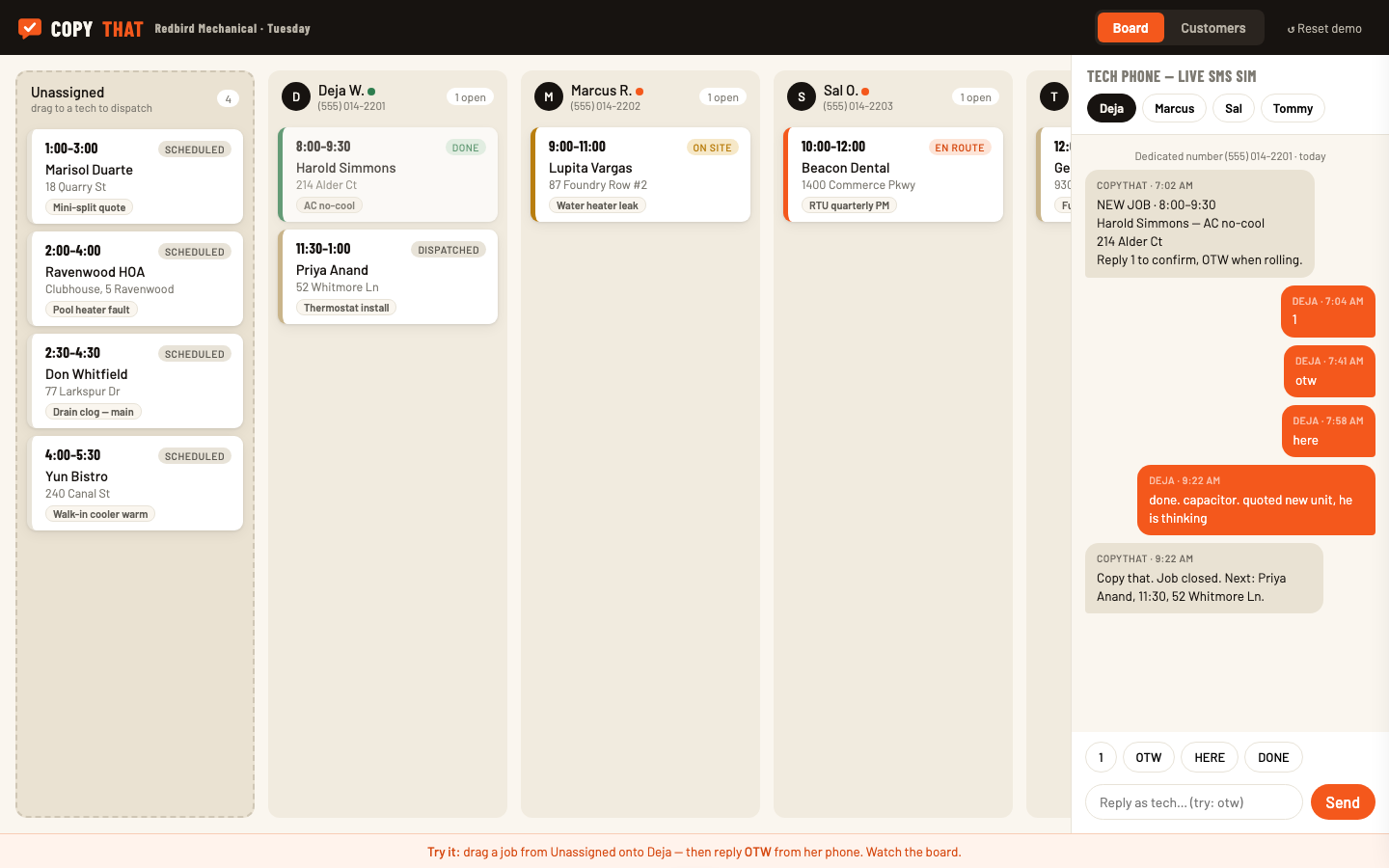
Housecall Pro's Essentials plan runs $149 a month billed annually and includes five users — so a 5-tech shop plus one office seat is already shopping for a sixth. CopyThat is $49 flat for the same five techs, month to month. Techs aren't seats. They're phone numbers.
Prices checked on Housecall Pro's public pricing page on August 20, 2026 (source linked below). A 5-tech shop is the comparison.
| CopyThat | Housecall Pro | |
|---|---|---|
| 5-tech shop, monthly | $49 flat — Starter, up to 5 techs | Essentials, $149/mo billed annually — includes 5 users total, so the office seat pushes you past the plan |
| Free plan | Yes — 2 techs, 40 new jobs a month, no card. Techs work from a link; they are not texted automatically | 14-day trial, self-serve |
| Pricing model | Flat tier by tech count — office access never costs a seat | Plan with included users, then paid per additional user |
| Tech's interface | SMS — no app to install | Mobile app required |
| Setup time | One afternoon | 14-day trial, self-serve; dedicated onboarding on MAX ($299/mo, 8 users) |
| Contract | Month to month | Lowest advertised prices are billed annually |
| Best for | 2–10 truck shops that need dispatch, not a suite | Shops that want invoicing, payments and marketing in one tool |
Housecall Pro is a genuinely capable all-in-one for shops that will use the invoicing, payments and marketing. If dispatch is the part you actually need — and per-seat math is the part you resent — CopyThat is built for exactly that. Prices checked on housecallpro.com/pricing (fetched 2026-08-20; advertised prices are billed annually — monthly billing costs more). Also comparing? See the Jobber comparison and the ServiceTitan comparison. All trademarks belong to their owners.
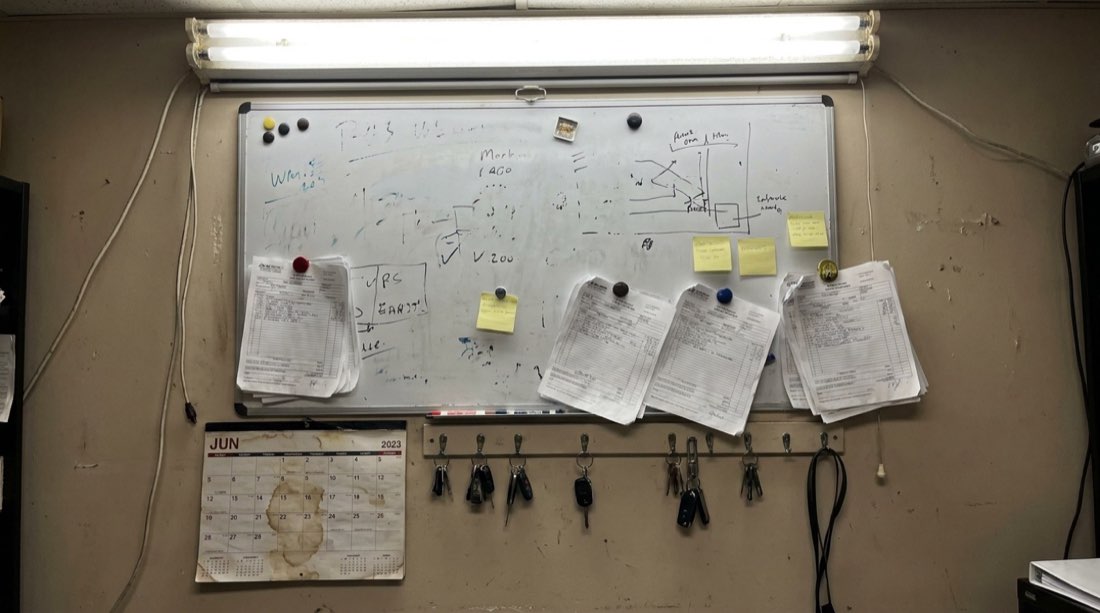
Housecall Pro bundles invoicing, payments, marketing and more — and prices the bundle by the seat. If your shop already invoices out of QuickBooks and your "marketing" is being good at the work, you're paying suite prices for one screen. CopyThat is that screen, done properly: jobs to techs, statuses back, history kept.
CopyThat reads Housecall Pro's customer export the way Housecall Pro sends it. No template to fill in, no columns to rename.
What comes across: each customer's display name, one phone number (mobile, then home, then work), the email address, the first address on the customer, and your customer notes. Jobs, estimates and invoices do not come across, and neither do tags, additional emails, or a customer's second and third addresses. A customer marked Do Not Service comes across with that written in their notes. Only Housecall Pro admins can export. Export steps from Housecall Pro's help center (checked 2026-10-01).
Set up your board this afternoon. Add your techs. Start dispatching by text. If seat counting is the part of Housecall Pro you won't miss, there's a better way.
Start your board Open the live demo