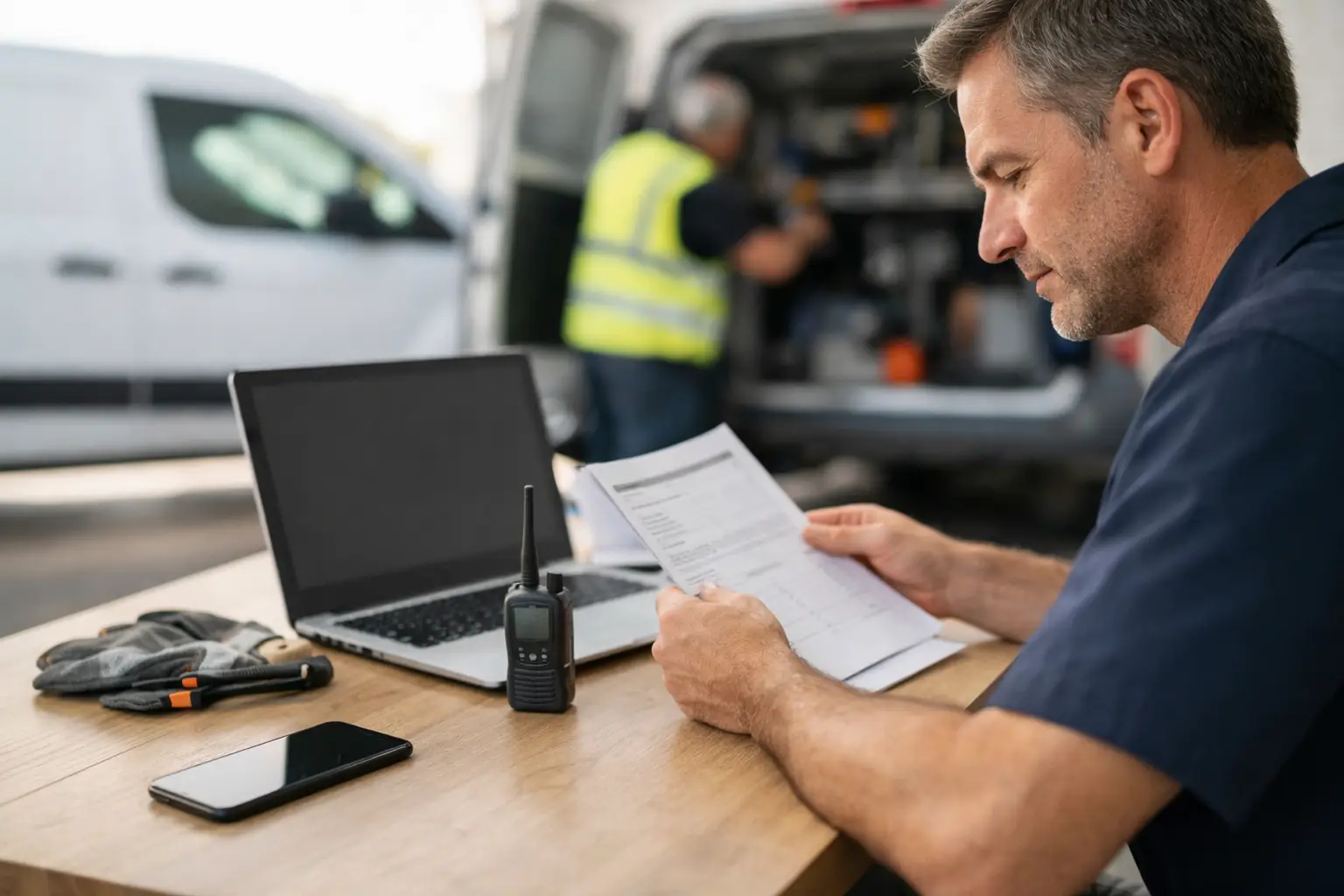
A technician is under a sink, on a roof, or halfway through a no-cool call. The last thing they need is a push notification telling them to open an app, find the job, change a status, confirm the change, and get back to work. That is why field service software no app is not a strange compromise for small shops. For the right operation, it is the more practical design.
Your crew already texts. Dispatch already calls and texts. The problem is not that texting exists. The problem is that a group thread is a terrible system of record once Tuesday gets busy. Job details disappear upward. Nobody knows whether Mike is on the way or still finishing the last call. A customer calls back, and the office starts asking around.
App-free field service software gives that existing behavior some structure. The office works from one dispatch board. Technicians receive job information by SMS and reply with plain-language status updates. The board records what happened without turning every technician into a mobile-software user.
What field service software with no app actually means
It does not mean the office runs the business from a flip phone. It means the people coordinating the day use a browser-based dispatch board, while field technicians do their part through text messages.
A dispatcher creates a job card with the customer name, address, issue, appointment window, and notes. They assign it to a technician. The tech gets a text with the essentials, then replies with statuses such as `OTW`, `HERE`, or `DONE`.
Those replies update the office-facing board. Dispatch can see who is driving, who has arrived, and who has wrapped up without stopping work to chase an answer. The job card retains the notes and status history, so the next person who answers the phone is not working from memory.
Like it says on the tin: the office dispatches, techs just text.
Why small shops often get better compliance without an app
Most field-service software assumes every technician will install an app, create a login, remember a password, accept permissions, and use the workflow exactly as designed. That can be reasonable for a larger operation with dedicated training, strict process controls, and enough office capacity to support rollout.
For a two-to-ten-truck shop, it can be a lot of ceremony for one simple need: know where the trucks are in the job cycle and get the next call to the right person.
The expensive part of an app is not always the monthly subscription. It is the adoption tax. A tech ignores an alert. Someone gets a new phone. A password expires. One person updates a job status while another calls it in. Before long, the dispatch board says one thing and the crew is operating another way.
Texting removes most of that friction. Technicians do not have to learn a new interface during a packed day. They do not need to hunt through menus to tell the office they are on the way. A short reply is enough.
That matters because a status system only works if people use it every time. A fancy app with half the crew bypassing it is worse than a simple workflow the entire crew follows.
The workflow should be boring on purpose
Good dispatch is not exciting. It is controlled, visible, and repeatable. The day should not depend on whoever happens to remember the latest change.
1. The office creates the job card
When a customer calls about a leaking water heater, the office enters the address, phone number, problem, preferred time, and anything the homeowner mentioned. If the customer has called before, prior job details should be easy to find.
The point is not to write a novel. It is to give the technician enough context to arrive prepared and give dispatch a shared source of truth.
2. Dispatch assigns the right truck
The dispatcher looks at the live board, not a pile of sticky notes or a ten-person group text. Maybe Sam is finishing an inspection two miles away. Maybe Luis has the parts experience for this repair but is already committed across town. The decision is visible, and the assignment is sent immediately.
If the schedule changes, the office updates the job card and sends the revised information. No copy-pasting the customer address into three separate texts. No wondering which version of the plan is current.
3. The technician texts back
`OTW` tells the office the truck has left. `HERE` confirms arrival. `DONE` closes the loop. The office sees the movement on the board and can answer customer calls with something better than, “Let me check with the technician.”
For many shops, that is the whole job. Not invoicing. Not a sales pipeline. Not a dashboard nobody opens after the demo. Dispatch coordination.
CopyThat is built around this exact discipline: a live office board, job cards, and technician updates by SMS. No app. No login. No “download this.”
What you gain by skipping the technician app
The obvious gain is speed. A technician can acknowledge a new job or update a status in seconds. But the bigger gain is fewer gaps between what the office believes and what is happening in the field.
You also reduce training pressure. New technicians already understand text messages. Seasonal helpers, longtime employees, and subcontractors do not need to become experts in a second system just to say they arrived at a call.
There is a customer-service angle too. When dispatch can see a reliable `OTW` status, they can give the homeowner a more credible update. When a job is marked `DONE`, the office knows it is reasonable to schedule a follow-up or move the technician to the next call.
And there is cost control. Small shops should be skeptical of paying enterprise-suite prices for invoicing, estimates, marketing campaigns, GPS fleet tracking, inventory, payroll connections, and a dozen other modules they may never use. A low price is not useful if the software still creates a daily burden. The right tool does one job well enough that people keep using it.
Where no-app software has limits
No-app dispatch is not the answer for every field-service business. Pretending otherwise would be sales talk.
If technicians need to build detailed estimates at the kitchen table, collect signatures, process payments, attach dozens of photos, run multi-stage maintenance checklists, or access a deep parts catalog, an app-based field platform may be the better fit. The same is true if you need constant GPS tracking or complex workflow rules across multiple branches.
Text messages are excellent for brief, reliable operational updates. They are not a substitute for every possible field workflow.
There are limits on the office side as well. Someone has to own the board. If dispatchers continue to make schedule changes only in personal texts, the system will not magically fix the chaos. The process has to be clear: job details live on the card, assignments happen from the board, and status replies get used consistently.
That discipline is the product. Software can make it easier. It cannot make a shop communicate if nobody agrees on the rules.
Questions to ask before choosing app-free dispatch
Start with the work your technicians actually do between calls. If most field communication is “Where am I going next?” and “I’m on the way,” an SMS workflow may be all you need. If your team is already texting status updates informally, you are not asking them to change behavior. You are giving that behavior a place to land.
Then look at the failure points in your current day. Are jobs getting double-booked? Are addresses buried in group texts? Does the office have to call every technician to find out who can take an emergency? Do customer notes vanish after the first appointment? Those are dispatch problems, not necessarily all-in-one software problems.
Finally, be honest about your growth plan. A lean dispatch tool can be the right choice now and the wrong choice later. If you expand into multiple locations, build a sales team, or require complex mobile documentation, you may outgrow it. Honestly, you should. Software should fit the shop you have, not force you to buy for a company you might become three years from now.
A small plumbing or HVAC shop does not need more screens in the truck to run a tighter day. It needs one visible schedule, complete job details, and technicians who will actually report their status. If text is already how your crew communicates, making it the field workflow may be the simplest operational improvement you make this year.