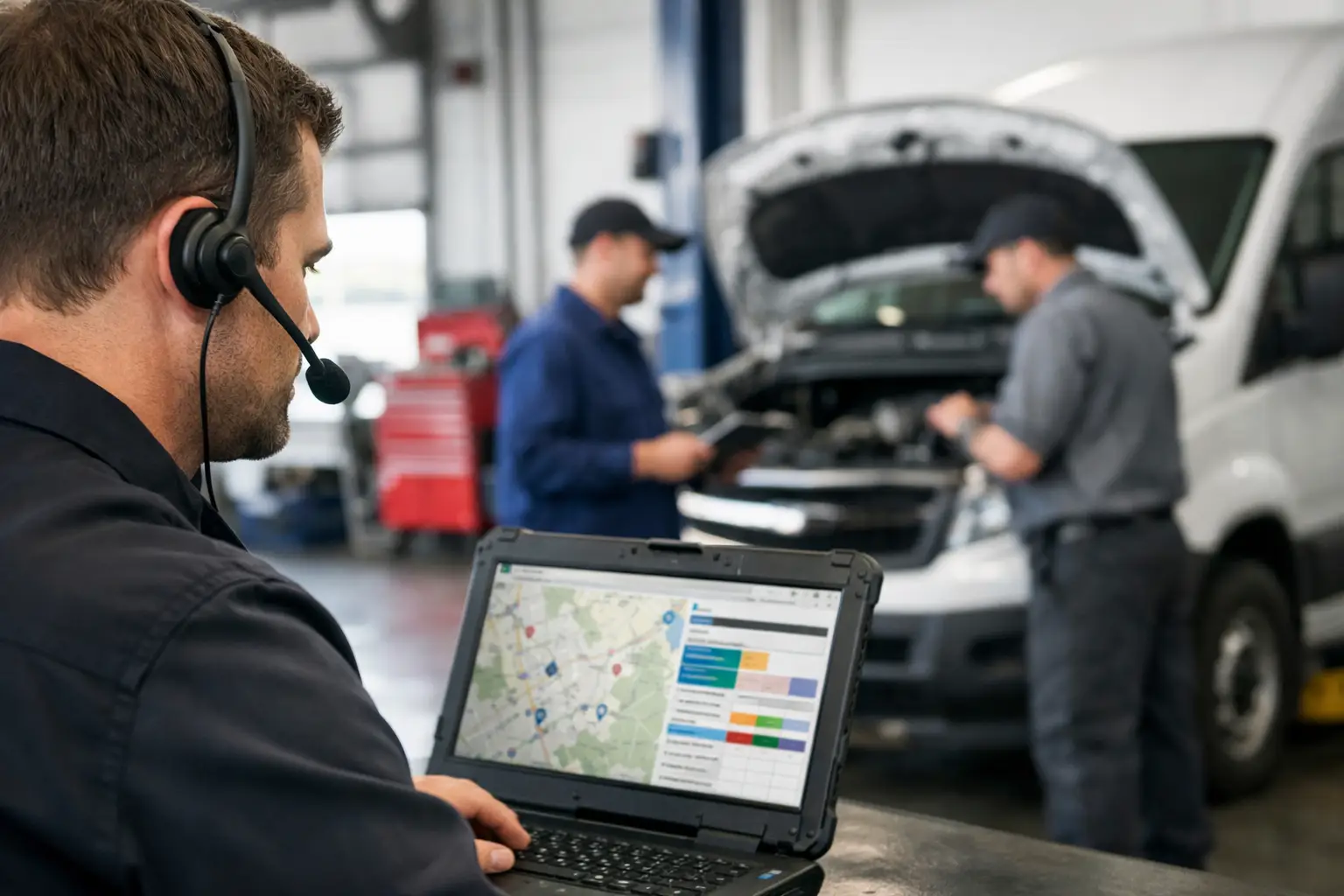
The problem with field service dispatch usually does not announce itself as a problem. It looks like a dispatcher calling a tech twice because the first call went unanswered. It looks like a customer calling for an ETA while the office scrolls through a group text. It looks like two people believing someone else sent the job details.
For a 2-10 truck plumbing, HVAC, or repair shop, that mess can become normal fast. The day still gets finished. Most customers are handled. But the office burns time chasing updates, technicians get incomplete information, and the schedule exists mostly in one person's head.
That is not a staffing issue. It is a dispatch system issue.
What field service dispatch should do
At its simplest, field service dispatch is the process of getting the right job to the right technician with the right information, then knowing what happened without making five phone calls.
Small shops do not need a command center worthy of a 200-truck operation. They need a shared place to see today's work, assign it clearly, record customer and job details, and track whether the technician is on the way, at the job, or finished.
That sounds obvious. It is also where many shops get tripped up. They buy software built to run estimates, invoices, marketing campaigns, inventory, payroll, fleet GPS, and a dozen dashboards. Then nobody has time to set it up correctly, and technicians are told to download one more app.
Meanwhile, the actual dispatch problem remains: Who is going where next, and do they have what they need?
A good dispatch workflow stays disciplined around that question. Everything else is optional.
The three moments that make or break the day
Most dispatch failures happen at one of three moments: when a job comes in, when it is assigned, or when the field status changes.
1. The job arrives without a usable card
A call comes in: "No cooling upstairs. Customer has company coming tonight." The office gets the address, a callback number, and maybe a note that the unit is in the attic. Then the details land in a sticky note, a notebook, or a text thread.
That may work until the dispatcher steps away, the customer calls back, or the assigned tech needs to find the gate code. Now the office is reconstructing a job that should have been recorded once.
Every job needs a simple, readable card: customer name, phone number, service address, problem description, appointment window, and notes that matter in the field. Add the equipment detail or prior visit note when it is useful. Do not turn it into a data-entry project.
The goal is not a perfect customer database. The goal is for the technician and office to see the same facts when the phone rings again.
2. The assignment is vague
"Can you grab this after your current call?" is not an assignment. It is a suggestion with no record, no schedule position, and no way for the rest of the office to know what changed.
A real assignment puts the job on one technician's schedule and makes the next action clear. If the job is tentative, mark it that way. If it needs a specific skill, say so. If the customer is waiting on a part, do not let the call disappear under newer work.
This is where dispatch judgment matters. The nearest technician is not always the right technician. A drain call may need a different truck than an electrical troubleshooting call. A senior tech may be worth the extra drive if the job is complicated and the customer is already frustrated.
But there is a trade-off. Overthinking every route can waste more time than it saves in a small shop. You are not running an airline. For most days, a clear schedule, sensible territory choices, and accurate status updates beat elaborate optimization.
3. The technician's status lives in a text thread
The office needs to know whether a technician is driving, on site, delayed, or available. Technicians need to report that without opening a complicated app between calls.
Texting already wins this argument in most small shops. Techs use it. They respond to it. They do not need training to understand it.
The weak spot is that ordinary text threads are not a dispatch board. Messages get buried. A new office employee cannot see what happened last Tuesday. A status update like "done" means little if nobody can tell which job it refers to.
The practical answer is to keep the field behavior simple while giving the office a shared record. A technician receives the job by text and replies with a short status such as `OTW`, `HERE`, or `DONE`. The dispatch board records that update against the job card.
No app. No login. No "download this before your first call."
That is the basic idea behind CopyThat: office staff work from a live dispatch board, while technicians do what they already do - text back.
A field service dispatch workflow that holds up
The best workflow is usually boring. Good. Boring means people will follow it when the phones are ringing.
Start with one office-owned board for all active work. Every new call becomes a job card, whether it arrived by phone, voicemail, website request, or a customer who called back for the third time. The person taking the call enters the essentials before moving on.
Next, assign the job to a technician and send the details. The technician should not have to ask for the address, customer number, or issue description in separate messages. Send the job once, with enough context to get rolling.
Then use a few standard status replies. `OTW` means the customer can receive an ETA. `HERE` tells the office the work has started. `DONE` closes the field portion and lets the office handle whatever follows, whether that is payment, a follow-up appointment, or simply updating the customer record.
Keep the status words consistent. If one tech writes "headed there," another writes "en route," and a third sends a thumbs-up, the dispatcher has to interpret every update. That is unnecessary brain work. Short codes create a shared operating language.
The office should also have a rule for exceptions. If a technician is delayed, needs a part, finds a larger issue, or cannot access the property, that is not a standard status. It needs a note and a decision. Dispatch is not just moving jobs across a screen. It is handling the reality between the schedule and the customer's front door.
What to measure without turning it into a spreadsheet hobby
Small shops do not need fifty dispatch KPIs. A few operational checks will tell you whether the process is improving.
Look at how often the office has to call technicians just to locate them. Look at missed or late customer updates. Look at jobs that get reassigned because the first technician did not have the right information. Look at how long it takes a new office person to answer, "What happened on this customer's last visit?"
If those numbers and frustrations are dropping, the system is doing its job.
Also pay attention to technician compliance. A beautiful board is useless if status updates do not arrive. This is why the lowest-friction workflow often wins. Requiring an app can make sense for companies that need photo documentation, estimates in the field, detailed forms, or GPS-driven routing. Those are legitimate needs.
But if your main need is reliable dispatch coordination, asking a technician to reply with three familiar text messages may be the better trade.
When simple dispatch software is not enough
There is a point where a small-shop dispatch tool stops being the right fit. That is not a failure. It is a sign that the operation has changed.
If you need integrated invoicing, financing, sales proposals, inventory management, recurring maintenance agreements, detailed time tracking, GPS fleet visibility, or multi-branch reporting, you may need a broader field-service platform. Those systems cost more because they do more, and they also require more setup and stronger process ownership.
Honestly, if you need all of that, a focused dispatch board may be too narrow. Better to admit it than pretend one tool should run every part of a growing company.
For the typical small trade shop, though, the immediate win is not a bigger software stack. It is eliminating the daily scavenger hunt for job details and technician status.
A dispatcher should be able to look at one board and know what is scheduled, who owns each call, what changed, and what needs attention next. A technician should be able to get the job, send a short update, and get back to work. Like it says on the tin.
Start there. When the office stops chasing the day, there is finally room to run the shop instead of merely surviving it.