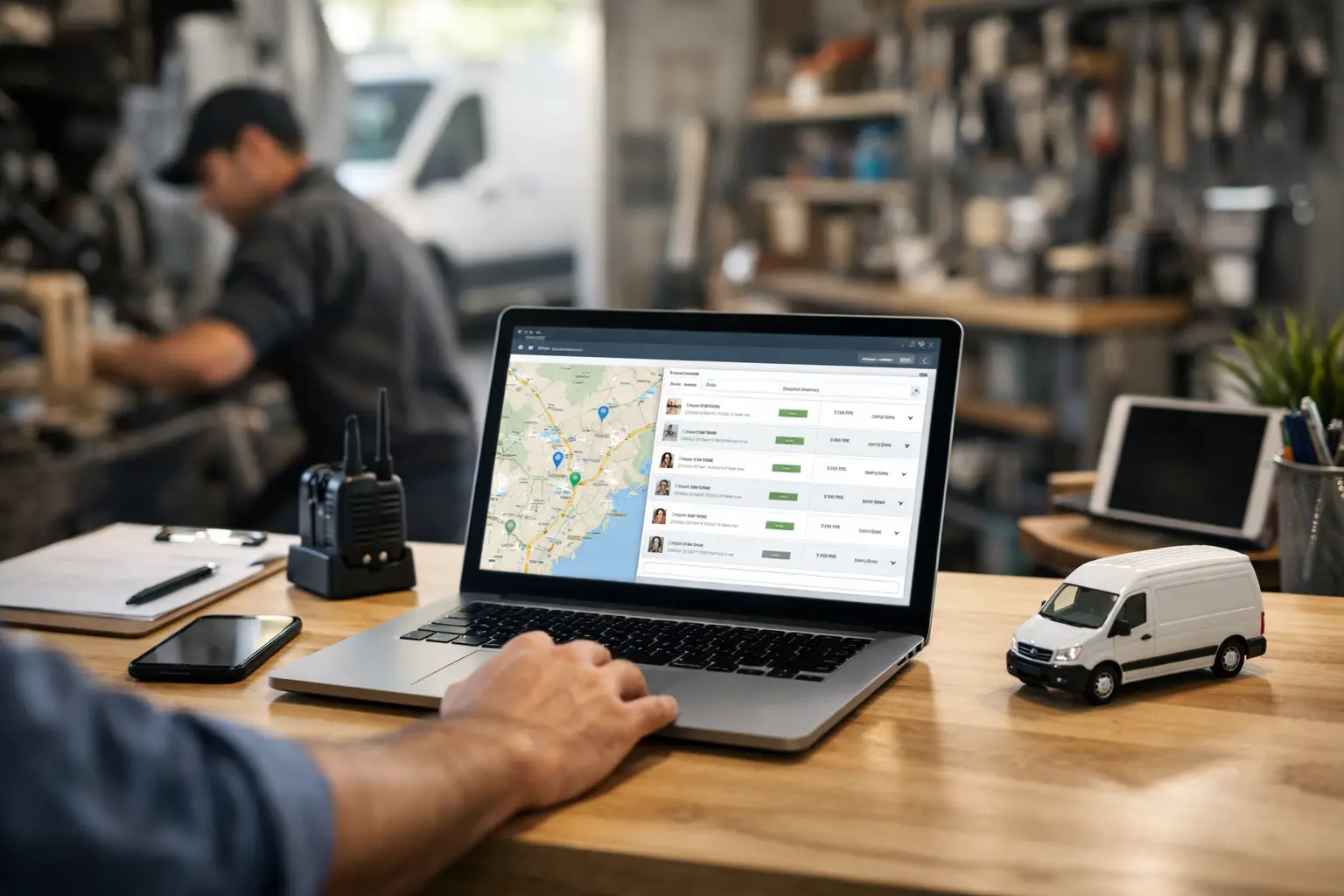
The call comes in at 10:17. A customer has a leaking water heater, the first technician is tied up, and the person who knows the afternoon schedule is on another call. By 10:25, three people have sent texts, nobody is sure who has the customer’s gate code, and one truck is heading across town without the full job details.
That is the problem dispatch software should solve. Not someday, after a six-week rollout and a stack of training videos. Today, while a two-to-ten-truck shop is trying to get the right person to the right job with the right information.
For a small plumbing, HVAC, cooling, or repair shop, good dispatch is less about buying every tool on the market and more about making the daily handoff boringly reliable. The office needs one place to see work. Techs need clear instructions. Customers need someone to show up. Everything else is secondary.
What Dispatch Software Should Actually Do
A lot of field-service platforms start with a big promise: dispatch, estimates, invoices, fleet maps, marketing, payroll connections, customer portals, inventory, and enough settings to keep someone busy until spring. Some shops need that. Most small shops do not need to pay for it before they need it.
At its core, dispatch software has a narrower job. It should create a job card, put it on a schedule, assign it to a technician, show its status, and preserve the details after the job is done. If it cannot make those five things easier than a whiteboard plus group texts, it is not helping.
The best setup also respects how technicians work. A technician crawling out from under a sink or finishing an AC diagnosis does not want another app, another password, or another notification system. They already text. Let them text.
That is not a shortcut. It is a practical design choice. The workflow is familiar, responses happen faster, and the office still gets a shared record instead of relying on whoever happens to be in the group chat.
The Three Moves That Keep a Day on Track
A useful dispatch process is simple enough to follow on a busy Monday.
1. Build the job card once
When the office takes a call, create one job card with the customer name, address, phone number, problem, appointment window, and notes that matter. Include practical details: “dog in yard,” “call before arrival,” “water shutoff is in crawlspace,” or “homeowner approved up to $350 last visit.”
The point is not perfect data entry. The point is that the information should not live in three places. If a dispatcher has to scroll through text threads to find a unit number or look at a sticky note for a callback number, the system has already failed.
A good job card also becomes the history. When Mrs. Ramirez calls again next July because the same upstairs unit is acting up, the office should be able to find the previous visit, the technician notes, and the outcome without asking around the shop.
2. Assign the work where everyone can see it
The office-facing dispatch board should show today’s jobs, who owns each one, and what is still unassigned. A dispatcher can move a job to the technician who is closest, best qualified, or simply free next. That last part matters more than fancy route optimization when you operate five trucks and two emergency calls just changed the day.
Say Mike finishes a scheduled drain clear at 1:40. A no-cool call appears ten minutes away. The office assigns the job and sends the details by text. Mike gets what he needs without opening an app, while the dispatcher sees the assignment on the board. No guessing whether he saw a group message. No duplicate dispatch because another person assumed somebody handled it.
3. Let techs update status by text
This is where small shops gain time without asking technicians to change their habits. A tech replies `OTW` when leaving, `HERE` on arrival, and `DONE` when the work is complete. The board updates the job status for the office.
Those three messages answer the questions that otherwise create a stream of calls: Is he on the way? Did she make it there? Is that truck available for the next job? The dispatcher can update the customer, protect the schedule, and make decisions from the board instead of chasing people down.
CopyThat is built around this exact pattern: office staff work from a live board, and techs just text. No app. No login. No “download this before your first call.”
Why Technician Adoption Is the Real Test
Most dispatch tools look fine in a demo. The test comes at 4:45 p.m. on a Friday, when a technician has a customer waiting, gloves on, and zero patience for a new workflow.
If a system requires technicians to open a mobile app, find the right screen, update several fields, and remember to sync it, adoption becomes the hidden cost. The office may have better data in theory, but only if people enter it consistently. In reality, the dispatcher ends up calling for updates anyway.
Text-based status updates are not right for every business. A company that needs photo documentation at every stage, mobile estimates, signature capture, detailed parts usage, or GPS-based route management may be better served by an app-centered field-service platform. That is a fair trade when those workflows are essential.
But if your daily problem is basic dispatch coordination, adding a full technician app can be a solution looking for a problem. Small shops usually need compliance before complexity. A system people will actually use beats a system with 40 features nobody touches.
The Features Worth Paying For
For a small service business, evaluate dispatch software by what happens during an ordinary chaotic day, not by the longest feature list. Can the office create or import jobs quickly? Can it see all active work in one place? Can it assign jobs without sending duplicate instructions? Can technicians update status without friction? Can anyone find a past customer or job note in seconds?
Pricing matters too. Per-user plans can get expensive in a hurry when the product includes modules you are not using. Watch for setup charges, contracts, text-message overages, and feature gates that force you into a higher tier just to add a technician.
A clear flat monthly price is easier to budget around. So are clear limits. If a platform does not handle invoicing, estimates, marketing, or fleet tracking, it should say so plainly. You can keep the accounting tool you already use and avoid rebuilding your business around software that is trying to own every process.
That discipline is not a missing feature. For the right shop, it is the product.
A Better Way to Judge Your Current Setup
You may not need new software if your whiteboard, phones, and shared calendar are truly working. The question is whether they still work when the usual dispatcher is out, a job runs long, or two customers call at once.
Look for the repeatable failures. Job details get buried in texts. A customer calls for an ETA and nobody knows which truck is coming. Two people tell two technicians to head toward the same job. A completed call stays on the board because no one got the update. These are not random bad days. They are signs that your dispatch process depends too much on memory and individual effort.
Start small. Move the live schedule, job cards, assignments, and status updates into one shared system. Keep your invoicing where it is. Keep your accounting where it is. Do not turn a dispatch fix into an operations overhaul.
The goal is simple: when the next urgent call lands, your office should know who can take it, your tech should receive the details, and the rest of the team should see what happened. If your process can do that without another phone call, you are getting somewhere.