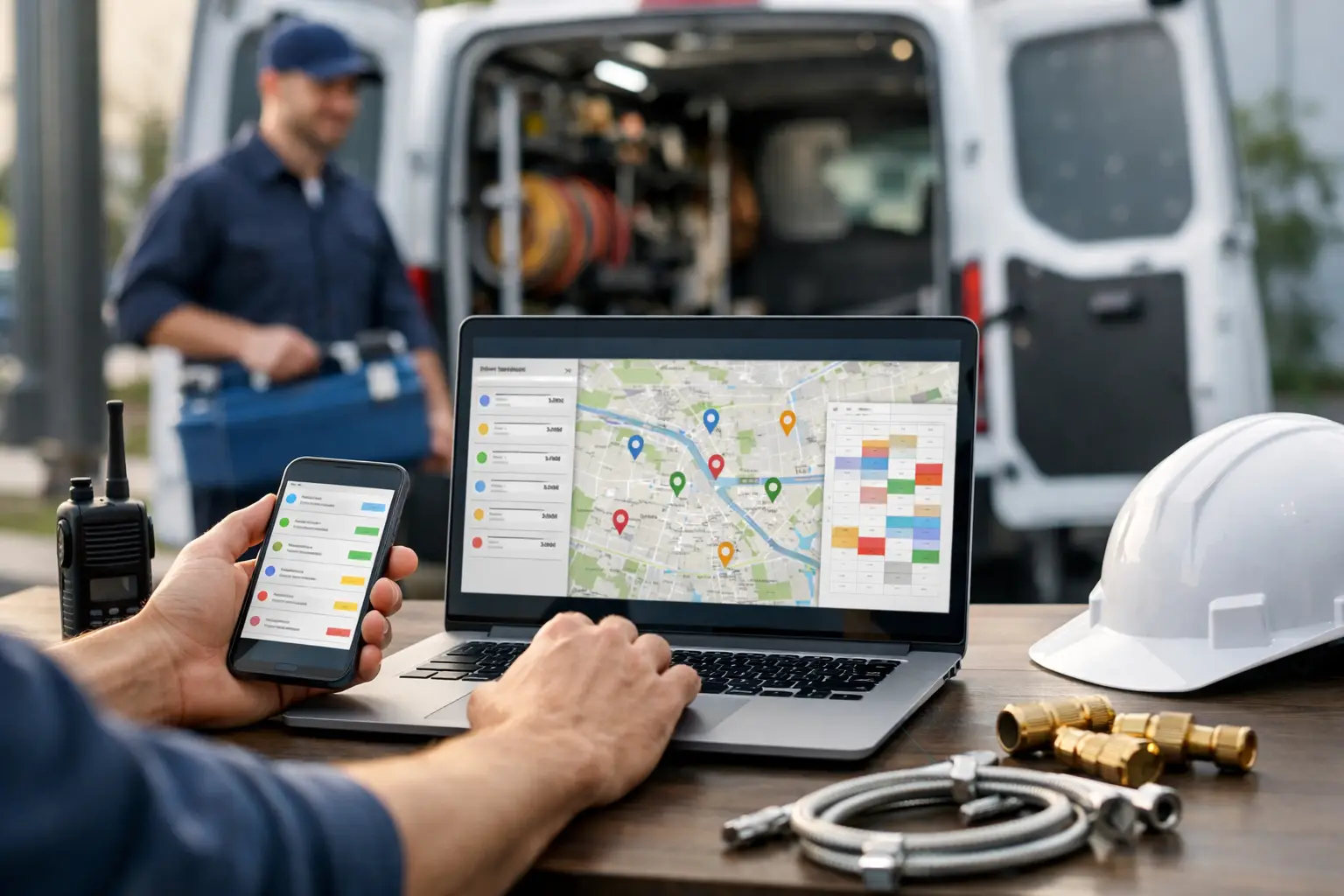
A customer has no water. Another has a leaking water heater. Your dispatcher has two techs tied up, one truck finishing early across town, and a new call coming in every six minutes. This is where plumbing dispatch software small business owners actually need earns its keep.
Not the kind loaded with accounting, marketing campaigns, fleet maps, and 40 settings nobody has time to configure. You need a clear answer to three questions: What jobs are open? Who is handling them? What happened next?
For a 2-10 truck plumbing shop, dispatch is not a department. It is usually one person answering phones, moving appointments, calming customers, checking texts, and trying not to send two trucks to the same call. Good software should make that person faster without creating a new job called “software administrator.”
What Small Plumbing Shops Need From Dispatch Software
A small shop does not need enterprise field-service management by default. It needs shared visibility. When the office, owner, and technicians are working from different text threads, a whiteboard, and memory, job details get lost fast.
A practical dispatch system puts every job in one place: customer name, address, phone number, problem, appointment window, notes, and assigned technician. The office should be able to see whether a job is unassigned, on the way, arrived, or complete without calling the tech for an update he already sent by text.
That last part matters. Most plumbers already use text messaging all day. Asking them to download an app, remember a password, learn a new workflow, and update five fields between calls sounds reasonable in a software demo. In a crawlspace at 4:30 p.m., it often does not happen.
The better question is not, “What can this platform do?” It is, “Will our team actually use it on a busy Tuesday?”
The workflow should match the way jobs move
For most small plumbing businesses, dispatch software should support a simple loop.
First, the office creates a job card with the information a technician needs before rolling out. That might read: “Mrs. Alvarez, 114 Oak St. No hot water. Rheem gas unit. Customer says pilot will not stay lit. Call before arrival.”
Second, the dispatcher assigns the job to a truck and sends it out. Third, the technician replies with short status updates such as “OTW,” “HERE,” and “DONE.” The dispatch board updates, the office sees the change, and the job record keeps the history.
That is not flashy. Like it says on the tin, it is dispatch. But it eliminates a surprising amount of confusion.
Why Group Texts Stop Working
Group texts work when there are two people, three jobs, and everyone remembers the details. Add a few trucks, an office coordinator, callbacks, emergency calls, and schedule changes, and the group thread becomes a junk drawer.
A technician might text, “Done at Johnson.” Which Johnson? Was that the drain clearing at 10 a.m. or the toilet reset at 1 p.m.? Did the customer approve the extra work? Is the truck available for the next call, or is there a supply-house run in between?
The problem is not that texting is bad. Texting is often the fastest field communication available. The problem is that plain text threads do not connect updates to a specific job, customer record, and schedule.
A dispatch board fixes that without asking techs to become software users. The office gets organized records and live status. Techs keep doing what they already do: read a text, reply with a text, move to the next call.
That distinction is worth protecting. If technician adoption is weak, the most feature-packed platform in the world becomes an expensive calendar nobody trusts.
Features That Matter, and Features That Usually Do Not
When comparing plumbing dispatch software for small business, start with the workflow, not the feature checklist. A smaller shop should expect job cards, customer records, scheduling, technician assignment, job status, notes, and searchable history. Those are the basics that keep the day moving.
You should also look closely at how updates reach the board. If every technician has to open an app and tap through screens to mark a job complete, compliance can slip. Text-based updates are often more realistic for service work, especially for teams that already coordinate by phone and SMS.
Some features are useful, but only when they solve a real problem in your shop. GPS tracking can help when you have a large fleet or frequent route disputes. Invoicing and estimates make sense if you want one system to run nearly every office process. Marketing automation may matter if your business has a dedicated customer follow-up program.
But those tools add cost, setup time, and complexity. If you already like your accounting system and only need dispatch to stop falling through the cracks, paying for a giant all-in-one platform is not automatically progress.
A good small-shop tool has the discipline to leave things out. That discipline is the product.
The Cost Is More Than the Monthly Subscription
A low subscription price is good. A low operational cost is better.
Say your lead plumber loses 10 minutes a day chasing job details, asking where he is headed next, or calling the office to confirm whether a customer is home. Over a five-day week, that is nearly an hour of skilled labor spent on avoidable coordination. Add the office time spent searching old texts and the cost of one missed or duplicated dispatch, and cheap-but-confusing software does not look very cheap.
At the same time, small shops should be skeptical of pricing built for much larger operations. Per-user fees can punish a business for adding an office helper or seasonal technician. Setup fees and long contracts make it harder to test whether a system fits. SMS overages can turn a predictable bill into a monthly surprise.
Look for flat pricing that matches technician capacity, clear limits, and no mystery charges. CopyThat, for example, is built around that narrower need: live dispatch for small service shops, with technicians updating jobs by SMS instead of through an app.
That will not be the right choice for every company. If you need integrated proposals, payment collection, inventory, GPS fleet management, and detailed reporting across several locations, an all-in-one platform may be worth the extra weight. Honestly, you may have outgrown a lightweight dispatch tool, and that is fine.
Questions to Ask Before You Buy
Before sitting through demos, map one normal workday and one chaotic one. A system that handles scheduled maintenance is easy. The real test is a burst pipe at 11:15 a.m., a technician calling out sick, and a customer demanding an arrival update.
Ask the vendor how long setup takes and what your technicians must do each day. If the answer includes training every person on a mobile app, be honest about whether that will stick. Ask whether customer history and job notes are searchable. Ask how an unassigned emergency call gets sent to the right truck. Ask what happens when a technician does not respond.
Also ask what the product does not do. A candid answer saves time. Software that claims to handle every part of every trade business usually asks a small shop to reshape its operation around the software. The right tool should fit your shop first.
Set It Up Around Real Dispatch Rules
Even simple software needs a few operating rules. Decide who owns the board during business hours. Decide what each status means. “OTW” should mean the tech is actually leaving, not that he saw the message. “DONE” should mean the office can safely offer that truck another call.
Put useful details in the job card before dispatching: gate codes, parking issues, equipment type, pets, warranty notes, and any prior diagnosis. A technician should not have to call the office for information the customer already gave you.
Then give the team a short trial period with real jobs. Do not judge the system by a polished demo. Judge it by whether the office can answer a customer’s “When will he be here?” without digging through messages or making three calls.
The best dispatch software will not make a packed day easy. Plumbing is still plumbing. But it can keep the next job visible, the current job accountable, and the office out of the middle of every status update. For a small shop, that is usually enough to make tomorrow run better than today.