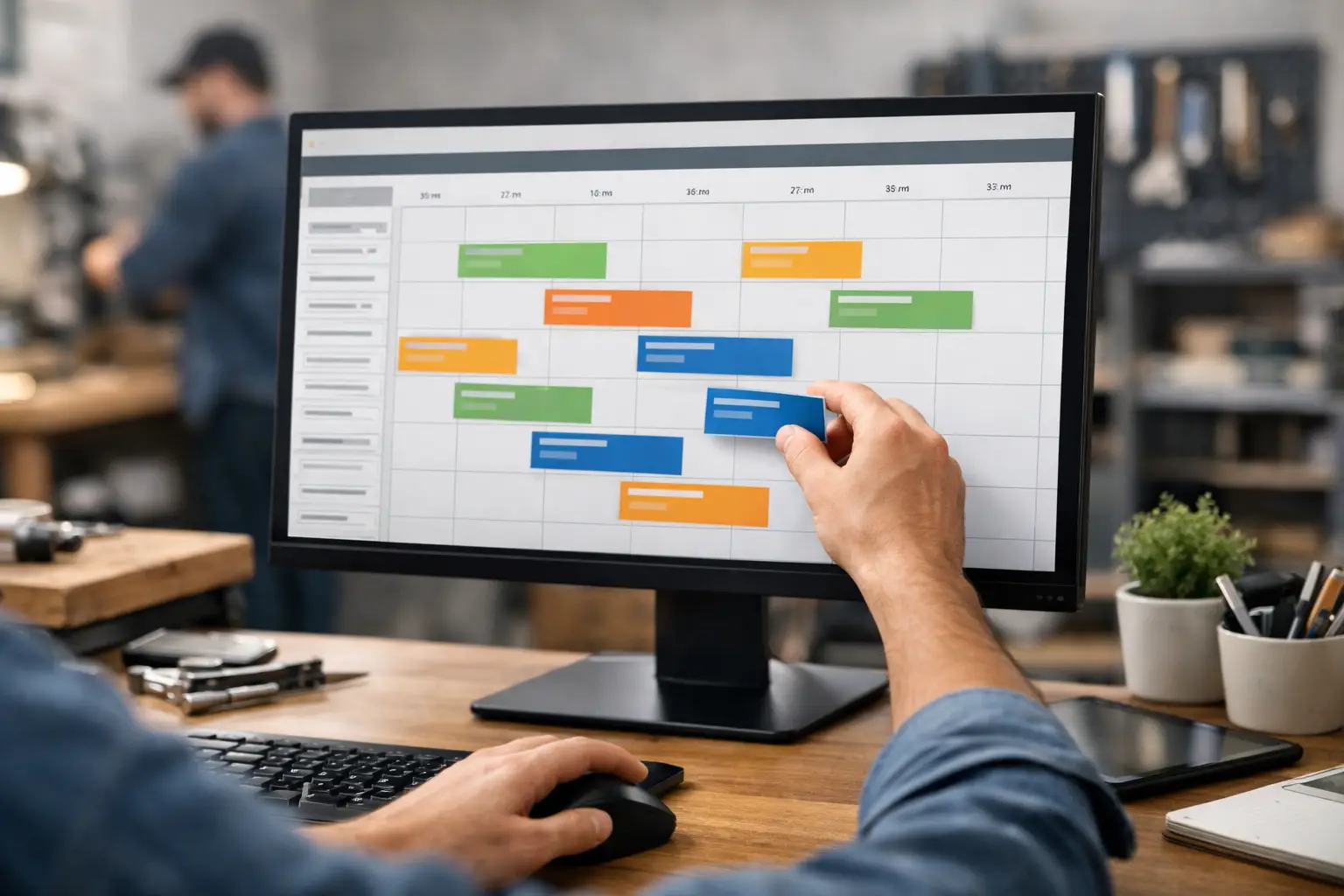
A schedule can look perfect at 7:30 a.m. By 10:15, Mrs. Collins has moved her repair window, the water-heater call became an emergency, and your installer is stuck waiting on a part. Drag and drop scheduling software helps the office react without rewriting a whiteboard, firing off five calls, and hoping the right technician got the message.
For a small plumbing, HVAC, or repair shop, that is the point. Not prettier colors. Not a giant command center with 40 tabs. You need a live view of today's work, a fast way to move a job, and confidence that the person in the truck knows what changed.
What Drag and Drop Scheduling Software Actually Solves
The basic action is simple: grab a job card on the dispatch board and move it to another technician, another time slot, or another day. That beats erasing a whiteboard or updating a spreadsheet nobody in the field can see.
But moving the card is only half the job. A schedule is useful only if changes reach the technician and the dispatcher can see whether the work is moving. Otherwise, drag and drop scheduling software becomes a tidier office calendar sitting next to the same old group-text chaos.
Think about a common Monday morning. A dispatcher has four jobs assigned to Mike: a maintenance visit, a no-cool call, a quote, and a warranty repair. The no-cool call turns into a compressor problem and Mike will be tied up for hours. The dispatcher drags the warranty repair to Luis, moves the quote to the afternoon, and sends the revised details where they will actually be seen.
That last part matters more than software companies like to admit. If Luis must open an app, remember a password, find the right screen, and refresh his schedule while parked at a customer’s house, the new schedule may as well be a suggestion. Small shops do not need another adoption project. They need the update to land.
A Board Is Better Than a Spreadsheet When the Day Moves
Spreadsheets work fine until multiple people need to make changes quickly. A cell can tell you that Job 1842 moved from 11:00 to 1:00. It does not naturally show the whole day, the empty slot that just opened, the notes attached to the call, or whether the technician has acknowledged anything.
A dispatch board gives the office a shared operational view. Each job card should hold the useful stuff: customer name, address, contact details, job type, notes, appointment window, assigned technician, and status. When the office drags that card, the change should be visible to everyone who runs the day.
That helps with more than emergencies. It prevents the quiet mistakes that cost a small shop real money: two trucks heading to the same call, a technician arriving without the gate code, a customer getting promised a window that was never entered, or a dispatcher wasting ten minutes searching old texts for a service history detail.
The board also creates a record. Six months from now, someone can search the customer and see what happened, who went out, and what notes were left. You should not need a dispatcher with a photographic memory to run a seven-truck operation.
The Best Workflow Still Lets Techs Just Text
For many 2-10 truck shops, a phone-based technician app sounds reasonable until it reaches the field. Then someone forgets to update status. Someone else has no room on their phone. A third technician uses the app for two weeks, then goes back to texting the office because it is faster.
There is nothing wrong with apps when a business needs detailed forms, inventory controls, route optimization, time tracking, photos, signatures, estimates, and invoicing. Bigger operations often do. But those needs come with setup time, training, cost, and more opportunities for the workflow to get ignored.
If your immediate problem is dispatch coordination, text messaging may be the better field workflow. The office creates or updates the job card. The technician receives the job information by text. When they are on the way, they text 'OTW.' When they arrive, 'HERE.' When the job is finished, 'DONE.' The dispatch board updates the job status for the office.
No app. No login. No 'download this.'
That is the model CopyThat is built around. The board gives dispatchers control and searchable history. Text messages let technicians do what they already do. That discipline is the product.
What to Look for Before You Buy
Not every drag and drop scheduler is built for a fast-moving service day. Some are appointment calendars with a nicer interface. Others are full field-service suites that happen to include a dispatch board. Either can work, but only if the rest of the workflow matches your shop.
Start with how quickly the office can act. Can a dispatcher create a job card in under a minute? Can they drag it to the right technician without opening a separate assignment screen? Can they see unassigned work and current job statuses at a glance? If the answer is no, the board may look good in a demo and feel slow when three customers are holding.
Then look at field communication. Ask exactly how a schedule change reaches the technician. Does it require an app? Does the system send a text? Can technicians update job status in the way they already communicate? A system that depends on perfect technician behavior is fragile. Plan for busy people doing busy work.
Finally, look at the pricing model. A small shop should not have to buy a large-company stack just to stop using whiteboards. Watch for per-user fees, mandatory setup packages, message overages, and add-ons needed for basic dispatch. The monthly price should be understandable before you book a sales call.
Drag and Drop Is Not a Substitute for Good Dispatch
A simple board will not fix bad job information. If the office enters 'leak' with no address confirmation, no customer phone number, and no note about the crawlspace access, moving the card faster only moves a bad handoff faster.
Set a minimum standard for every job card. The office needs a confirmed address, customer contact, a clear problem description, appointment window, and any detail that changes how the technician prepares. For an HVAC no-cool call, that might include system age, whether the customer has pets, and whether someone will be home. For plumbing, it could be parking instructions, whether water is shut off, or an existing customer note about a difficult access point.
The same goes for schedule changes. Do not just move a card and assume the customer is covered. Confirm the revised window, send the technician the context, and leave a note explaining why the work moved. Five extra seconds of clarity can prevent a return trip.
A Practical Setup for a Small Shop
Keep the initial setup tight. Add your technicians, create a few job types that match the calls you actually run, and agree on the statuses everyone will use. Most shops do not need 18 status labels. Scheduled, on the way, here, done, and maybe canceled or rescheduled will cover most of the day.
Run the board alongside your current process for a few days if you need to. Dispatch real work through it, but do not try to rebuild your whole business at once. You are testing whether the office can create, move, and find jobs quickly, and whether technicians reliably receive updates.
Pay attention to the friction. If dispatchers are still writing details somewhere else, find out why. If technicians are missing messages, check whether their contact numbers are correct and whether the update format is clear. If the board is getting cluttered, simplify the fields rather than adding more process.
The right system should be usable in an afternoon, not after a month of implementation meetings. If your shop needs custom reporting, multi-branch permissions, payroll integrations, fleet tracking, and detailed quoting, you may have outgrown lightweight dispatch software. Honestly, that is fine. Buy the tool that fits the work.
But if the day is currently held together by a whiteboard, a spreadsheet, and whoever answers the phone fastest, start smaller. Put every job in one live board. Move work when the day changes. Let technicians text status updates. The schedule will never stay still, but your office can stop chasing it.